We will add tutorials to things like the LDS tools apps here as needed
LDS Tools App Tutorial to Edit Personal Data
On iOS (Apple)
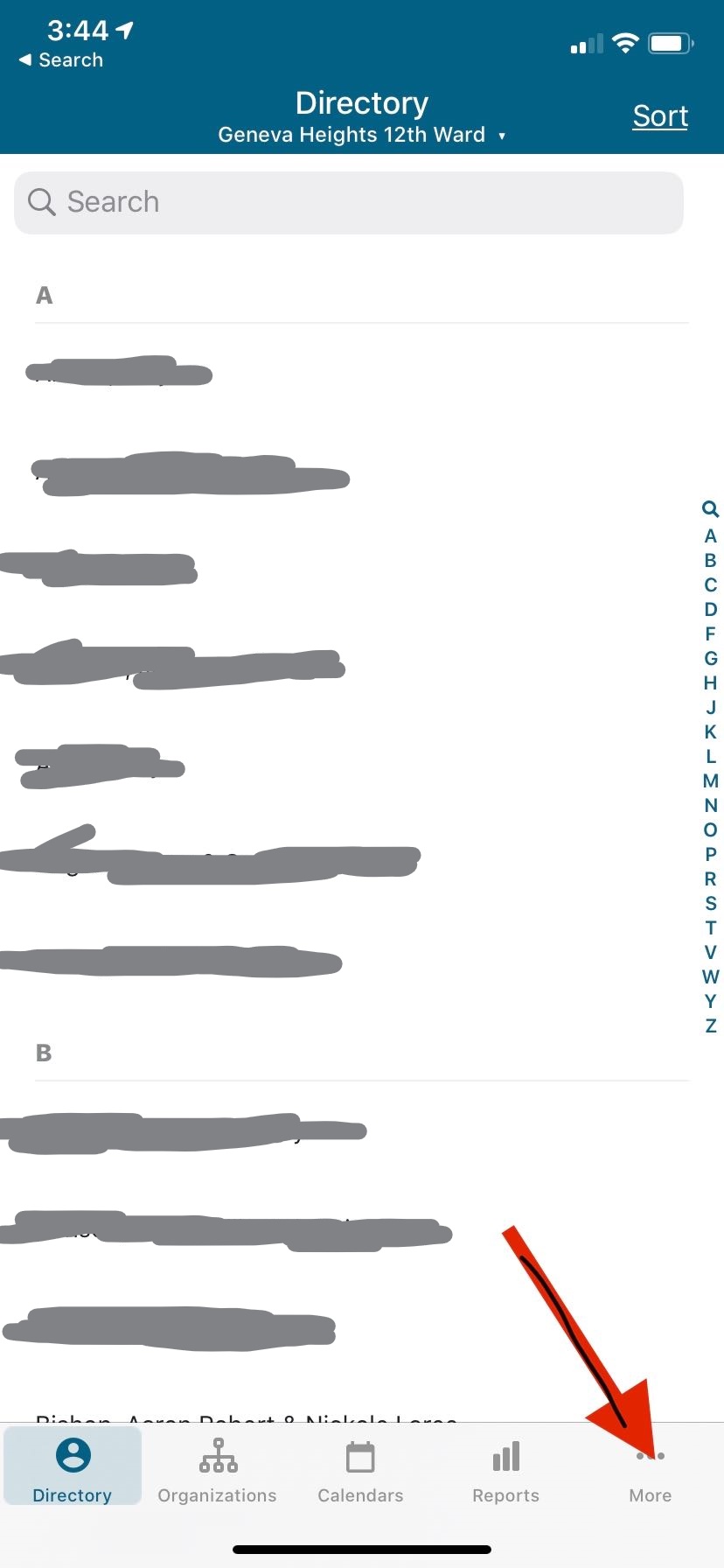
- Open the LDS Tools app (it’s been recently rename to just Tools) and tap more.
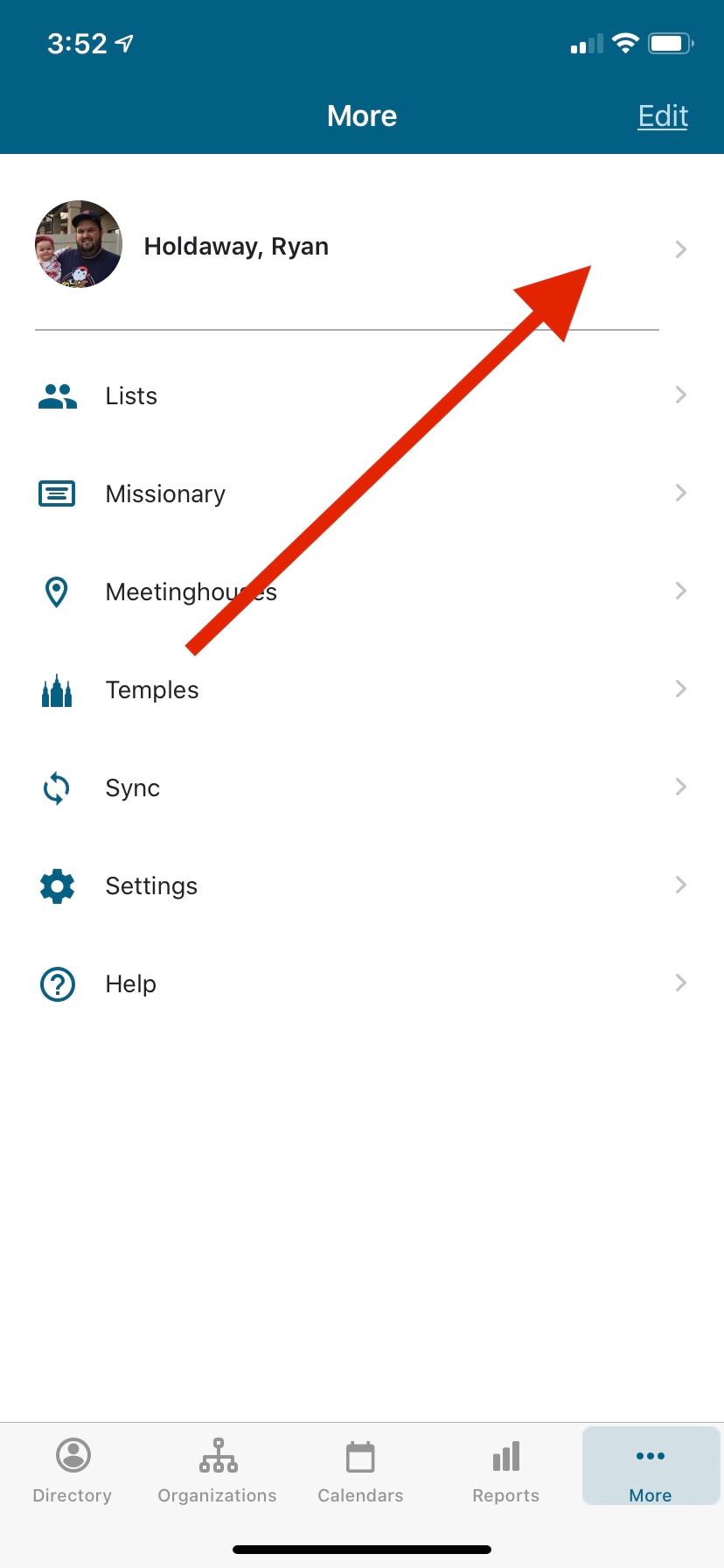
- Tap on the little arrow next to your name near the top.
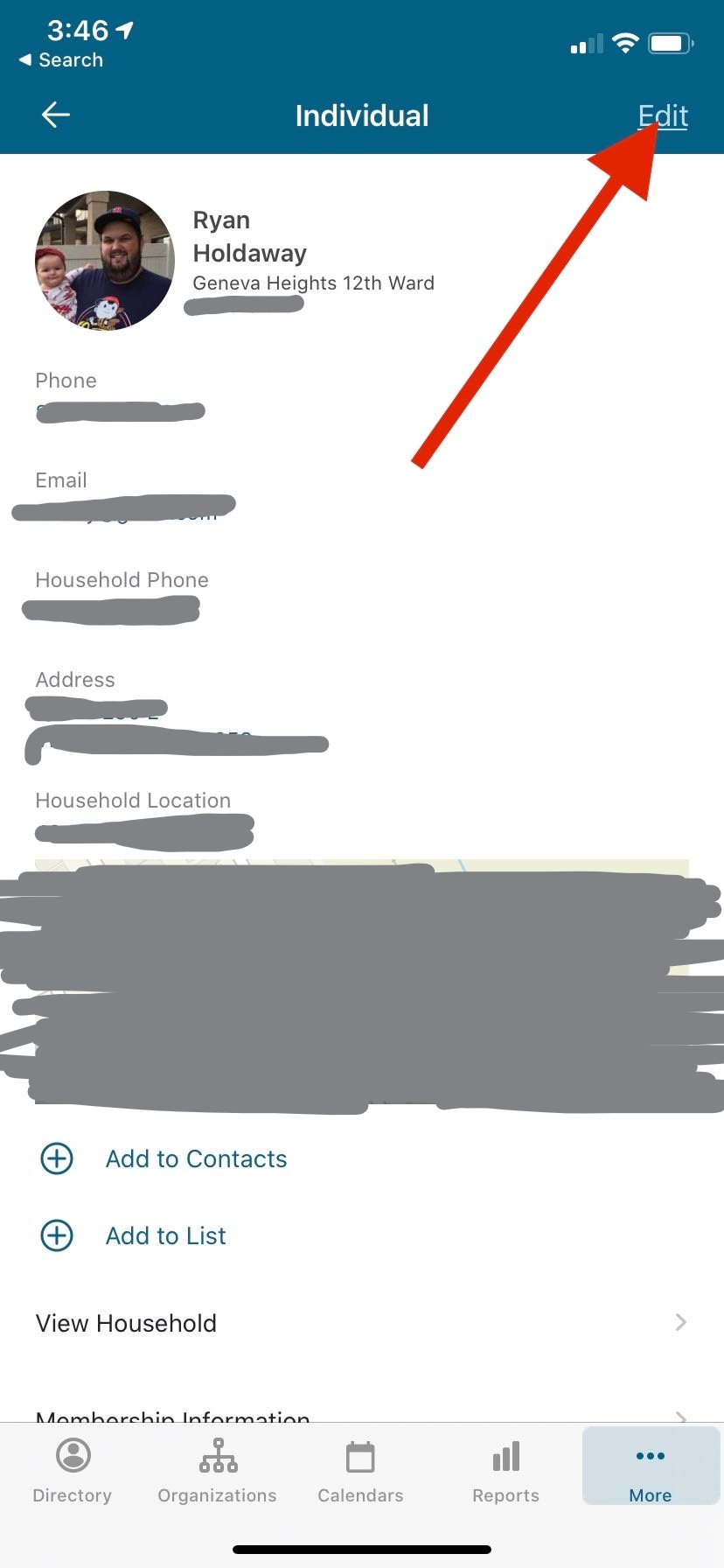
- Tap Edit
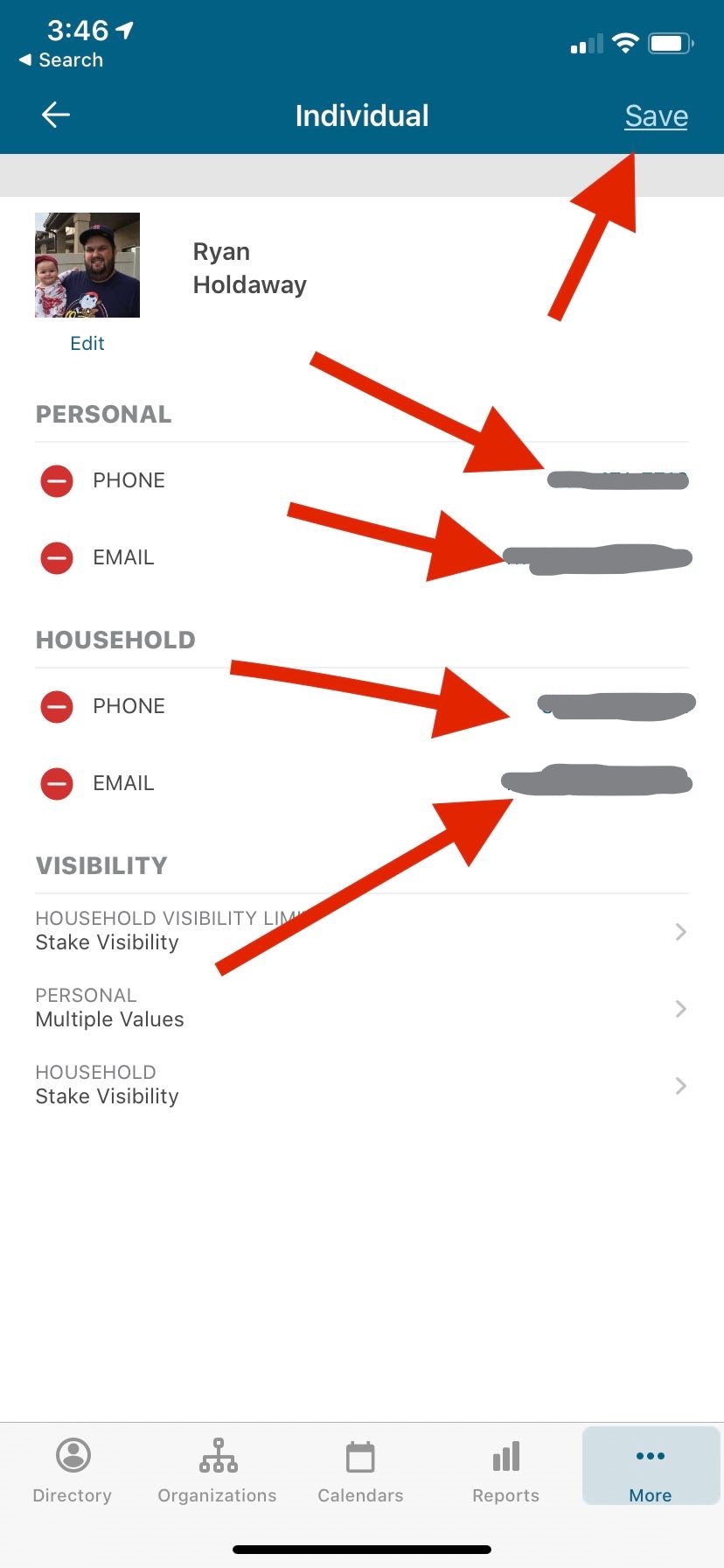
- Edit your information, update your picture and then tap save

On Android
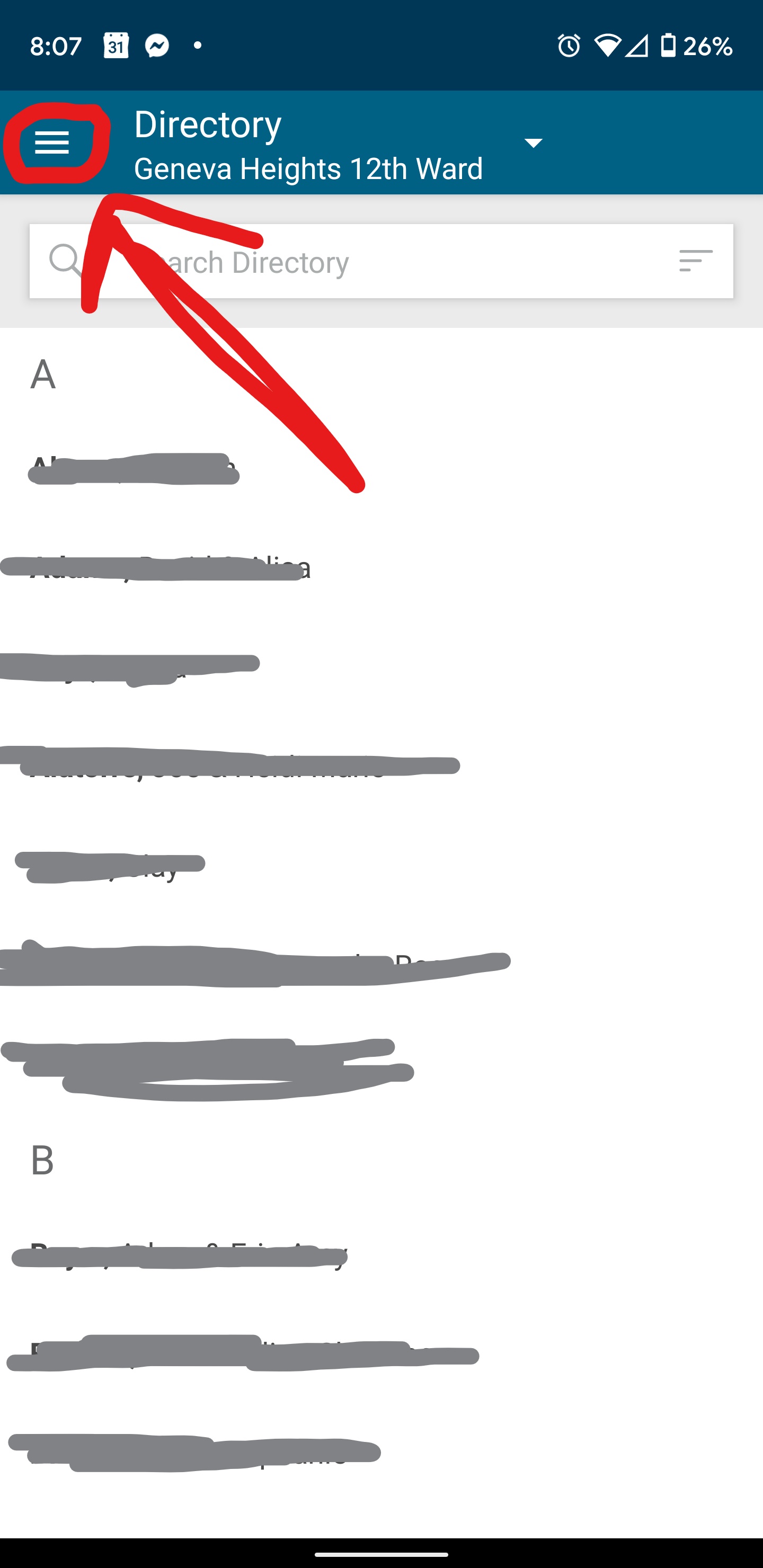
- Open the LDS Tools app (it’s been recently rename to just Tools) and tap the hamburger menu.
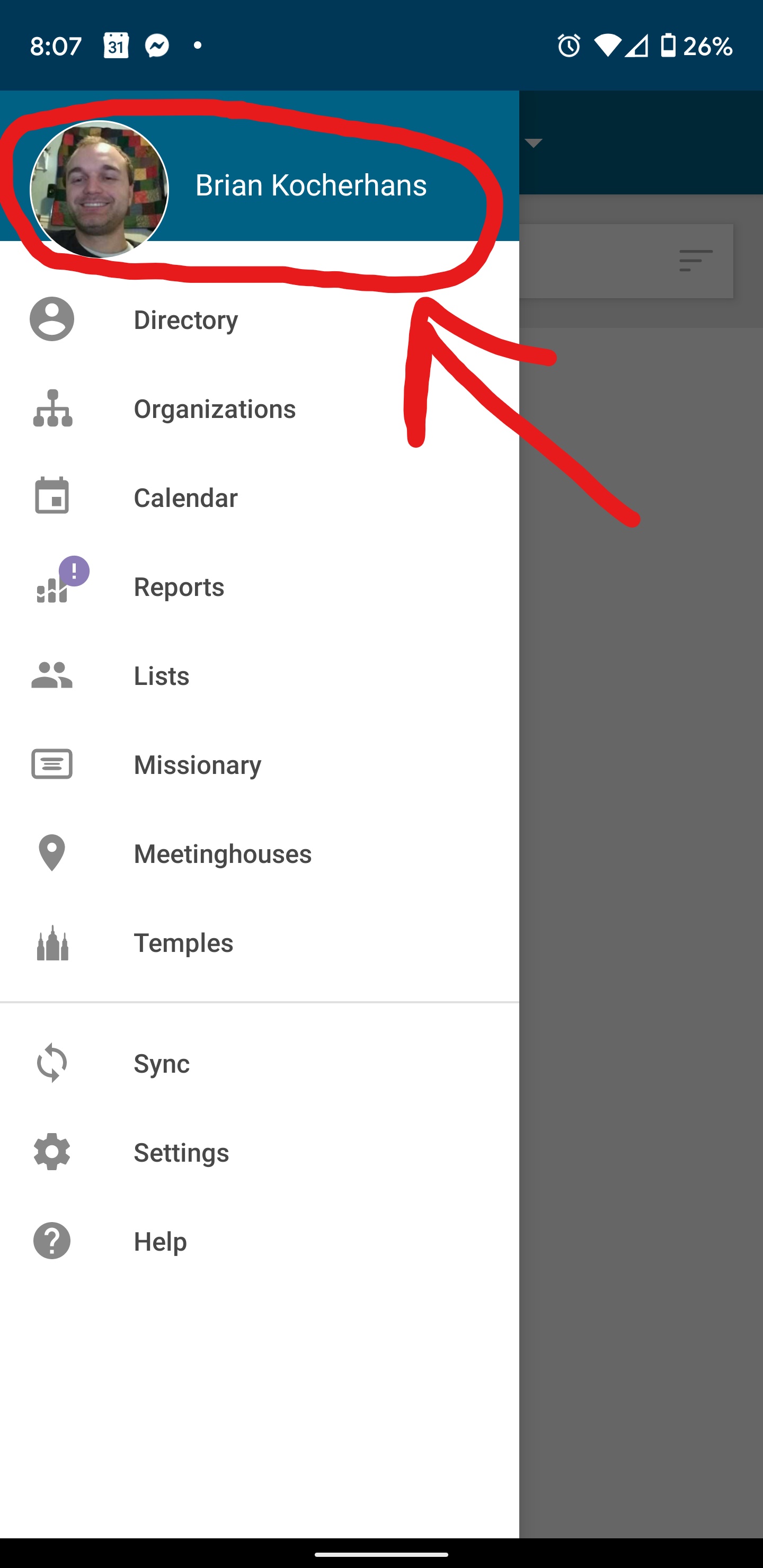
- Tap your Picture/Name near the top.
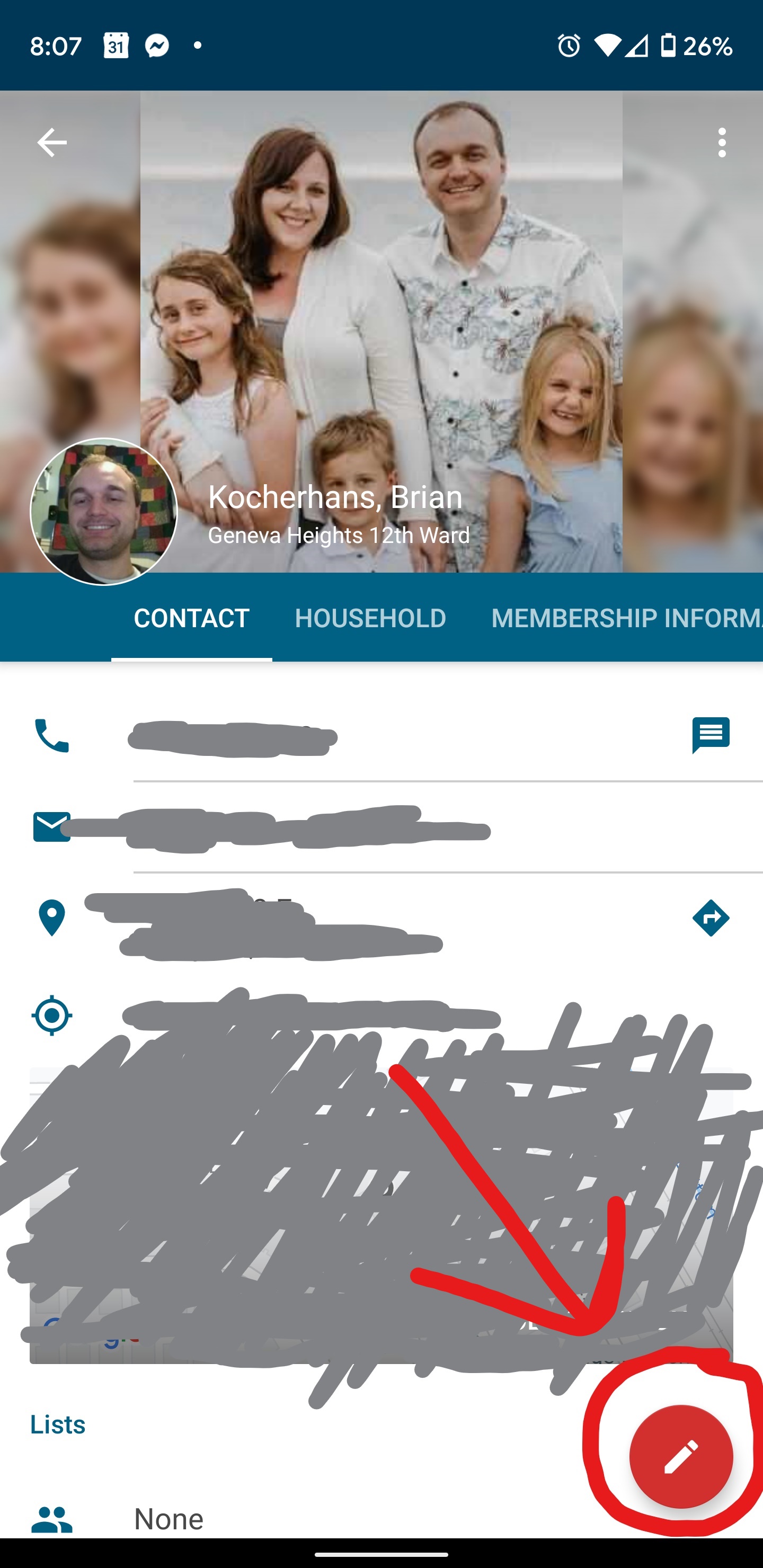
- Now tap the edit button on the lower right corner.
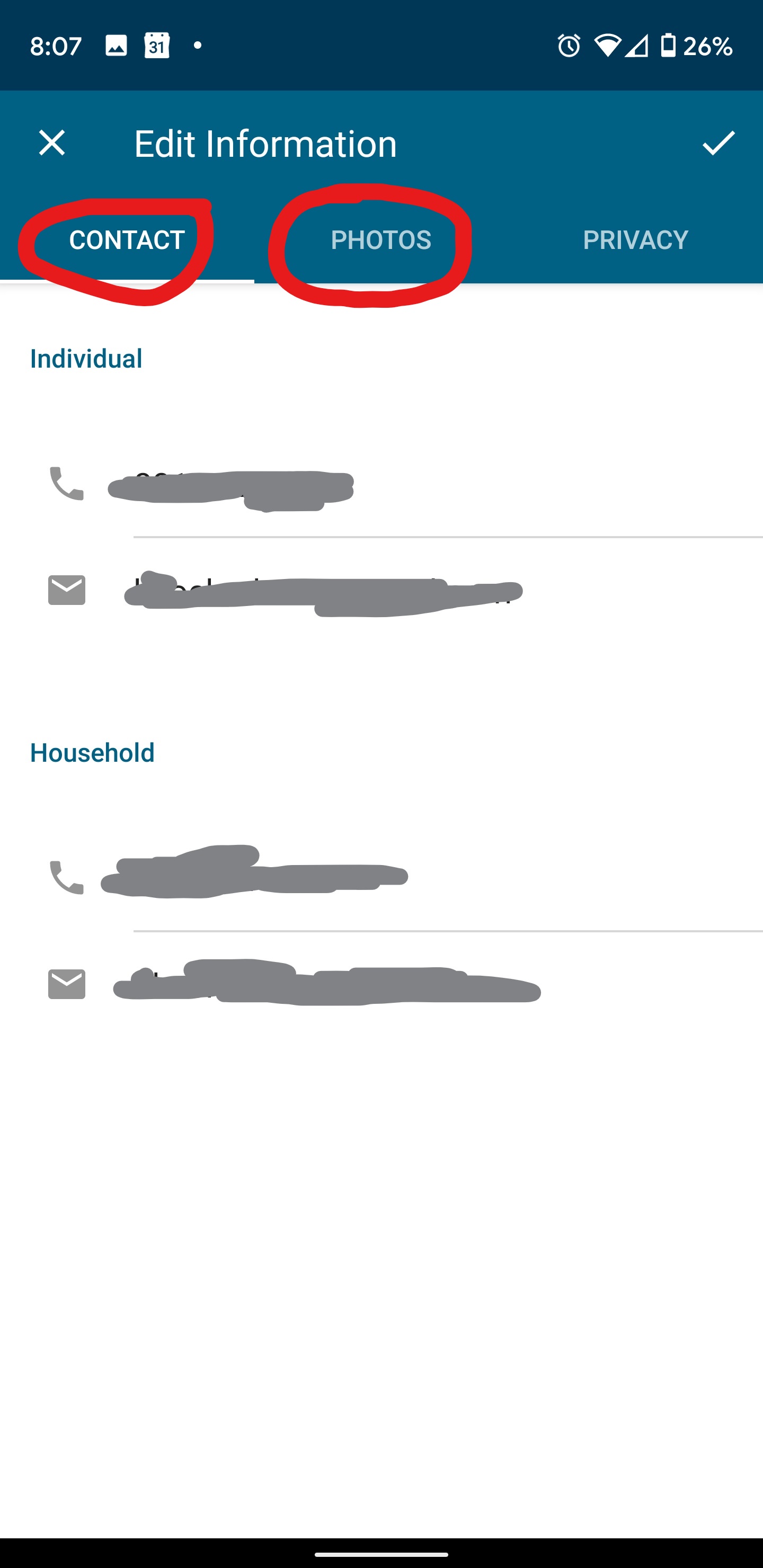
- Tap the different fields to update your contact info and then you can tap the photos tab above to update your individual and family photos.
 Vineyard's Trailside Ward Community